Multi-language Support
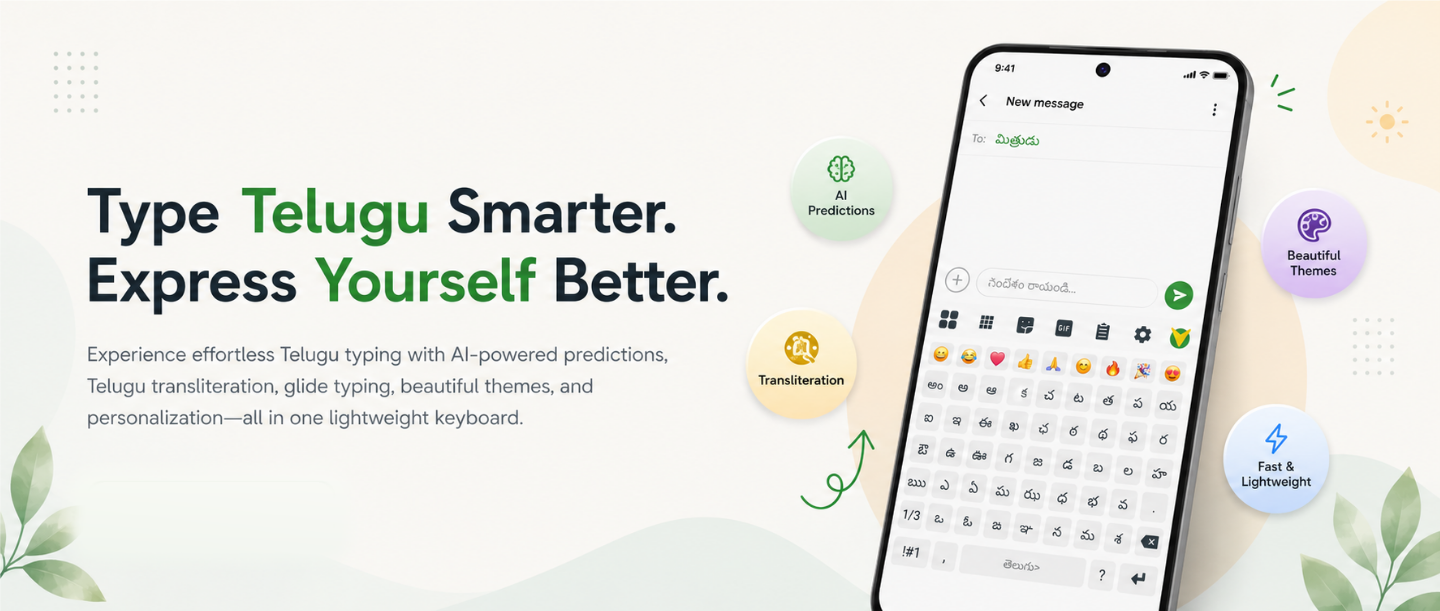
Type effortlessly in Telugu, English, and Tenglish with seamless language switching.
 Download Now
 About Vihari
Vihari Telugu Keyboard is designed to make communication faster, smarter, and more enjoyable for Telugu-speaking users. With Smart typing assistance and intuitive features, it delivers a modern typing experience while keeping simplicity at its core.
Features
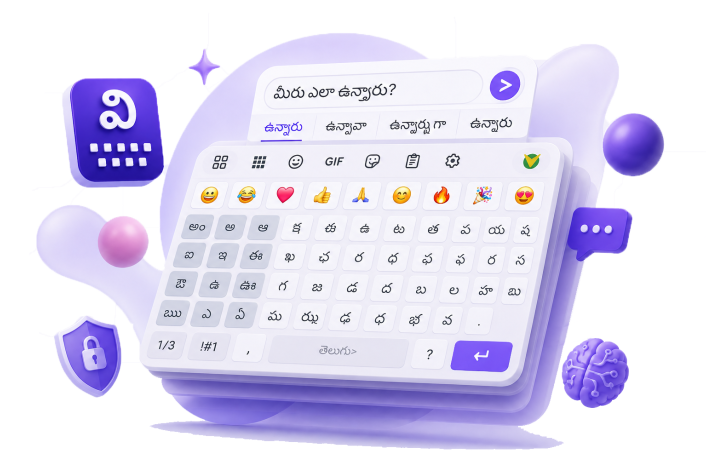
Type effortlessly in Telugu, English, and Tenglish with seamless language switching.
Write Telugu naturally using English letters and let Vihari convert them instantly.
Get intelligent word suggestions, next-word predictions, and faster corrections.
Swipe across the keyboard instead of tapping each key for quicker text entry.
Make chats more expressive with reactions, stickers, GIFs, and rich emoji support.
Personalize your keyboard with attractive designs that match your style.
Adjust height, layout, key size, appearance, and typing preferences.
Speak your message and convert your voice into text when typing is inconvenient.
Keep frequently used text ready so repeated typing becomes simple.
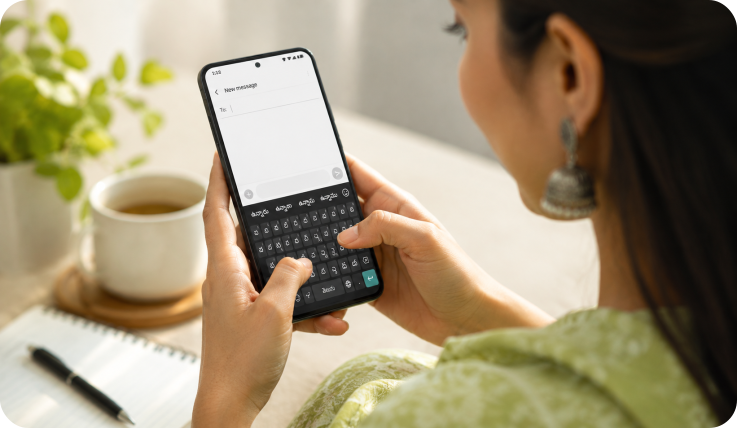
Whether you're chatting with family, posting on social media, or working professionally, Vihari Keyboard makes typing faster, smarter, and more enjoyable. Built specifically for Telugu users while offering a seamless multilingual typing experience.


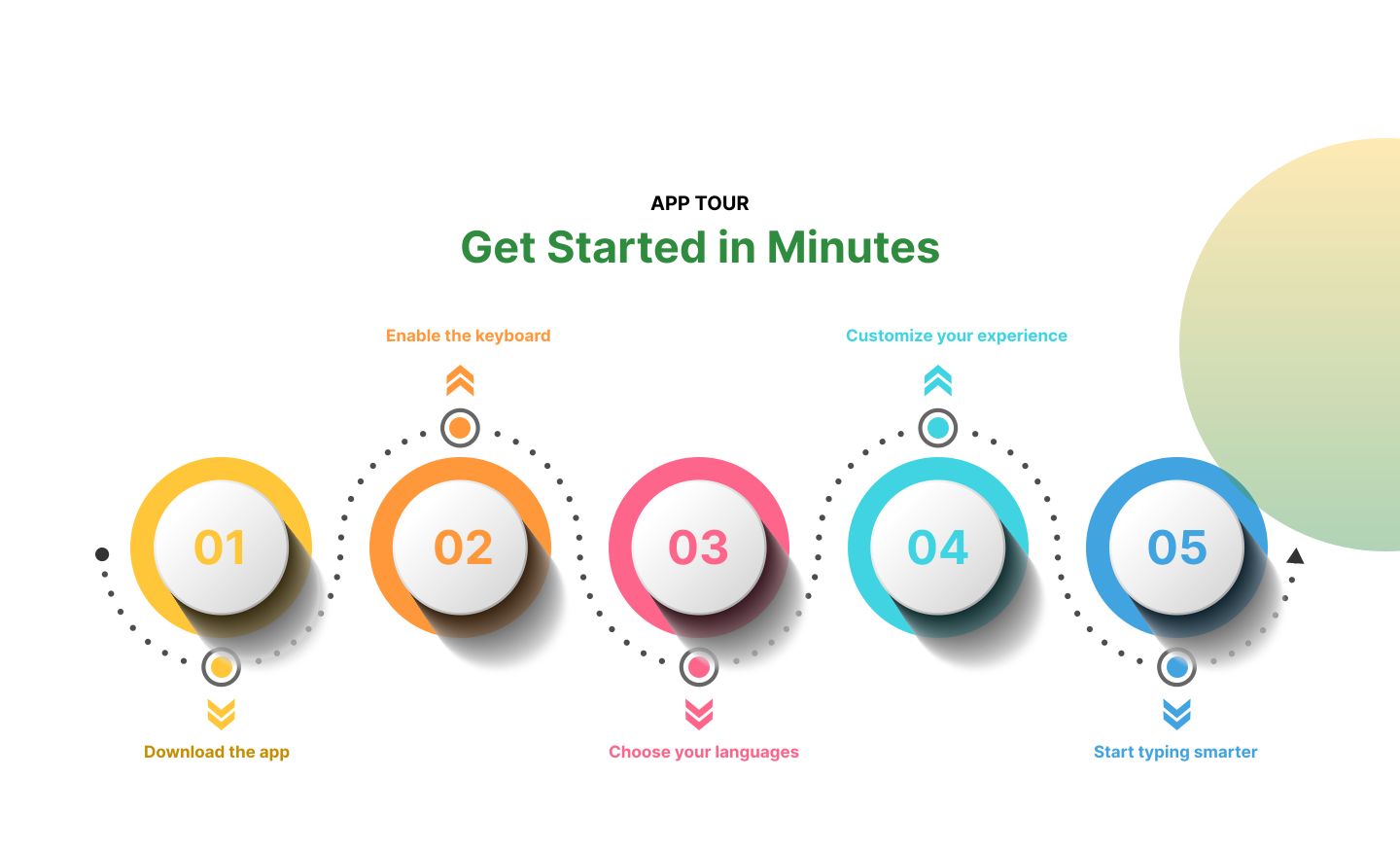
Discover a faster and more personalized typing experience with Vihari Telugu Keyboard.
Download on Google Play
Yes. Vihari Keyboard is completely free to download and use.
Vihari supports Telugu, English, Tenglish, and smooth switching for multilingual typing.
Yes. You can use voice typing to speak naturally and create text quickly.
Vihari is designed with privacy in mind and keeps the typing experience focused on user control.
Yes. You can personalize themes, layout, key size, and other typing preferences.

Tell us what you need and we will find the best solution together.